

Favicon and social share image
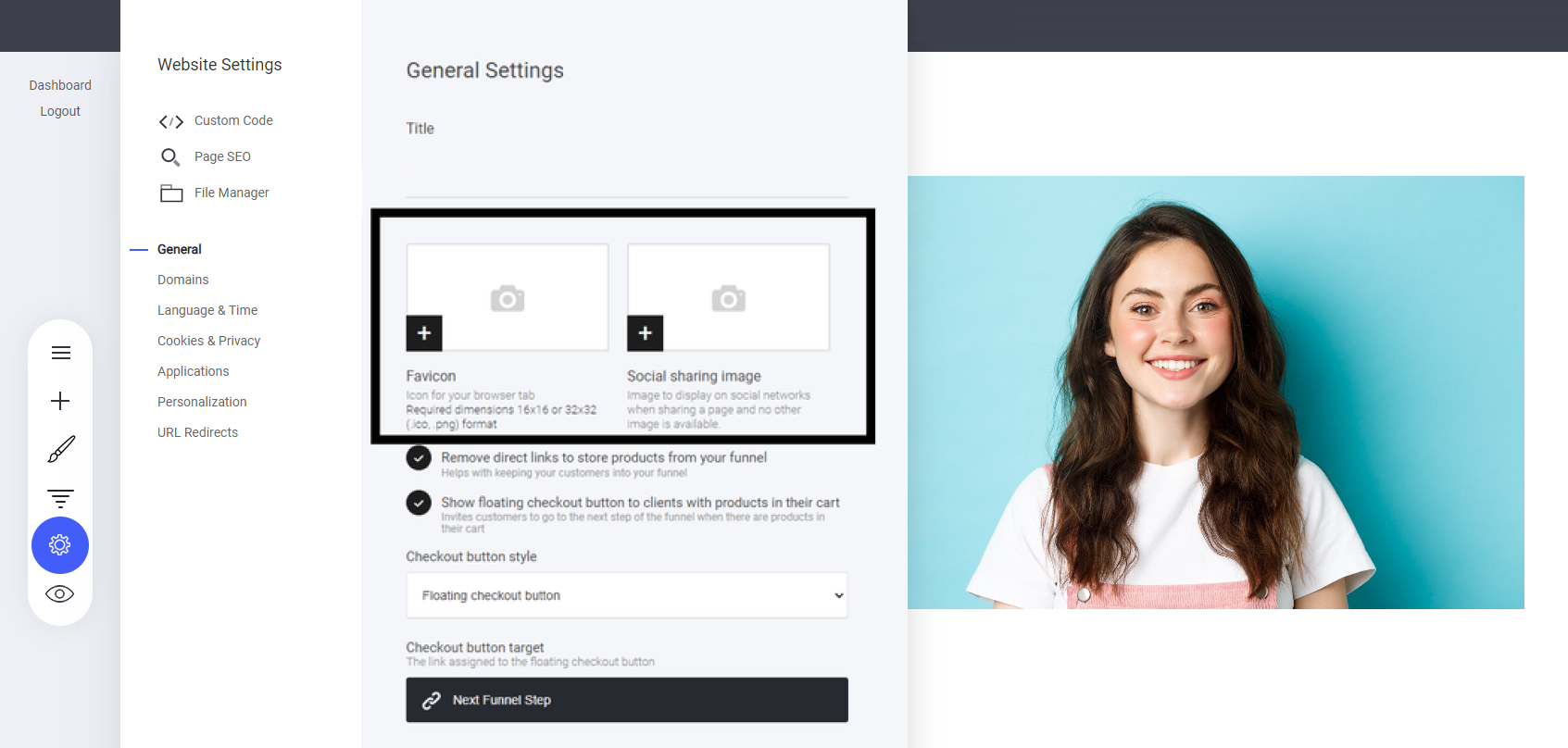
To customize your favicon and social share image:
Go to Settings > Select the General tab.
Upload Your Favicon – This small icon appears in the browser tab to help users identify your site.
Set Your Social Share Image – This defines the preview image shown when your website is shared on social media.
These elements enhance branding and visibility, ensuring your site looks professional across platforms!
What is a social share image?
The social share image will be displayed to the public when your website or website pages are shared. For example on social media.
Note: You to have social share images for every page and also funnel step on your website.
Top tip: Create individual images for each of your pages, this will enable people to quickly identify what the page is about.
Last updated