

Blog Header and Sidebar Settings
The Header and Sidebar shape the base template for all your articles, ensuring consistency and branding across your blog.
How to Edit:
Locate the 'Edit Header & Sidebar' Button – Found in your blog settings.
Click to Open Editor – Access customization options for layout and content.
Modify Header Elements – Adjust navigation links, branding, and styles.
Refine Sidebar Widgets – Add or remove content blocks, categories, and social links.
A simple way to create a cohesive and visually appealing blog layout!
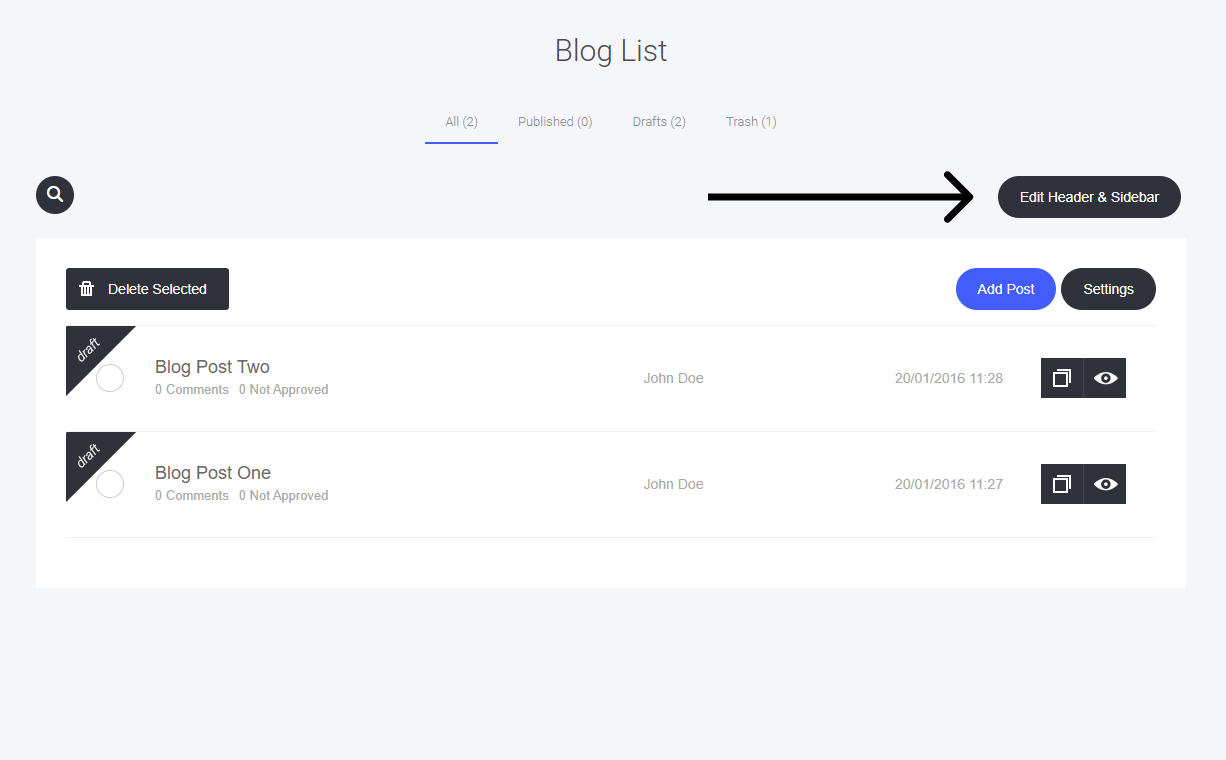
This will open the drag-and-drop editor, where you can edit the blog header section and the sidebar (if you choose to use a sidebar).
You can use any of the widgets to help add any elements to the header and sidebar if required.

Last updated