

Blog Settings
Fine-tune your blog settings effortlessly!
How to Access Settings:
Click on "Settings" – Found in the blog management section.
Wait for the Settings Window to Open – A dedicated panel will appear.
Adjust Preferences – Modify layout, visibility, SEO, and notification settings.
A simple way to ensure your blog is optimized for performance!
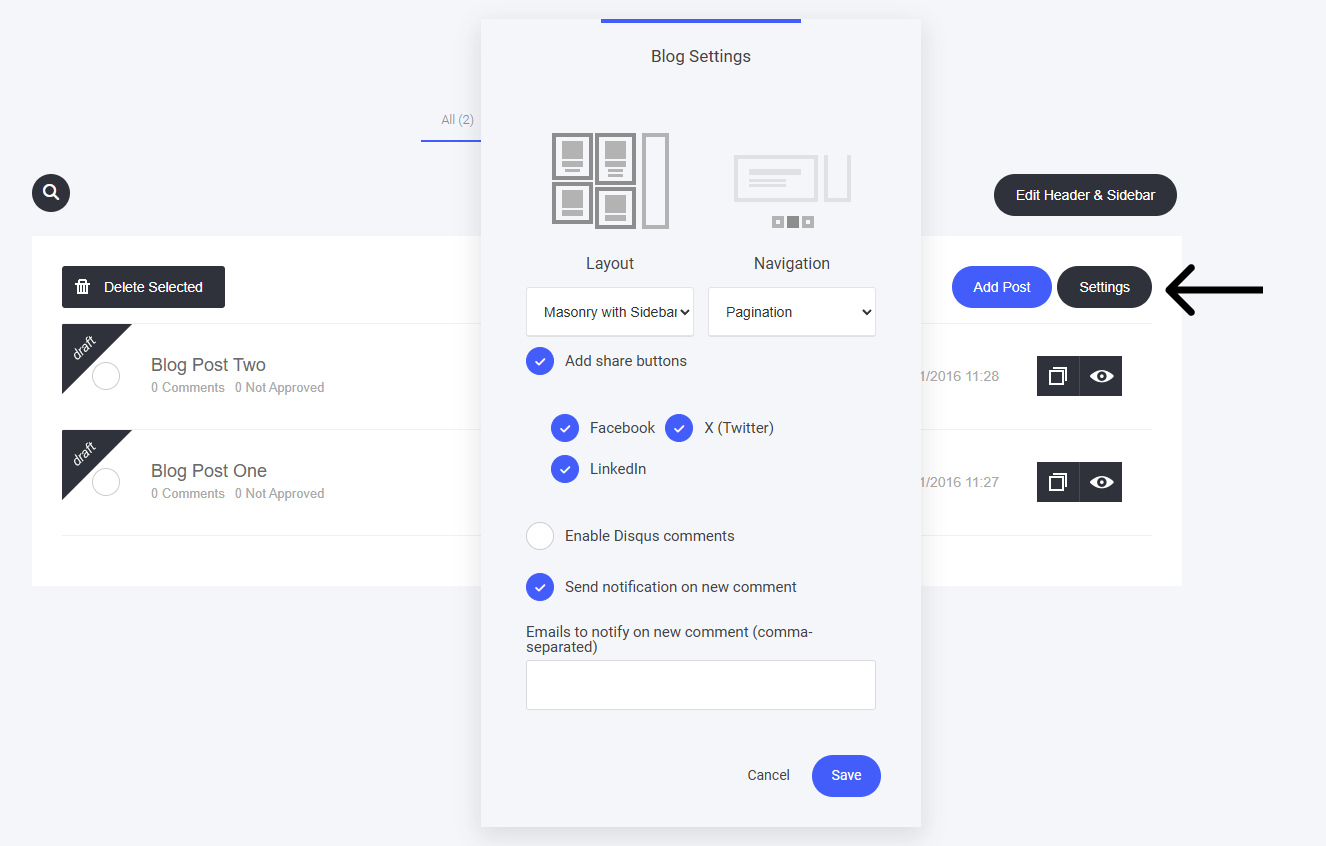
Here you can:
Select the Layout you prefer for your articles on your main Blog page
Select the Navigation method to be displayed on the main Blog page
Add or remove social share buttons
Enable Disqus comments - a 3rd part comment application (this is not needed as you already have a standard comments section built in)
Send yourself or your team notifications each time you receive a new comment.
Last updated