

Membership (Secured) content
Ensure exclusive content visibility by limiting access to specific membership groups.
Go to "Pages" or Locate the Folder – Find the page you want to restrict.
Click the Three Dots Icon – Access the page settings.
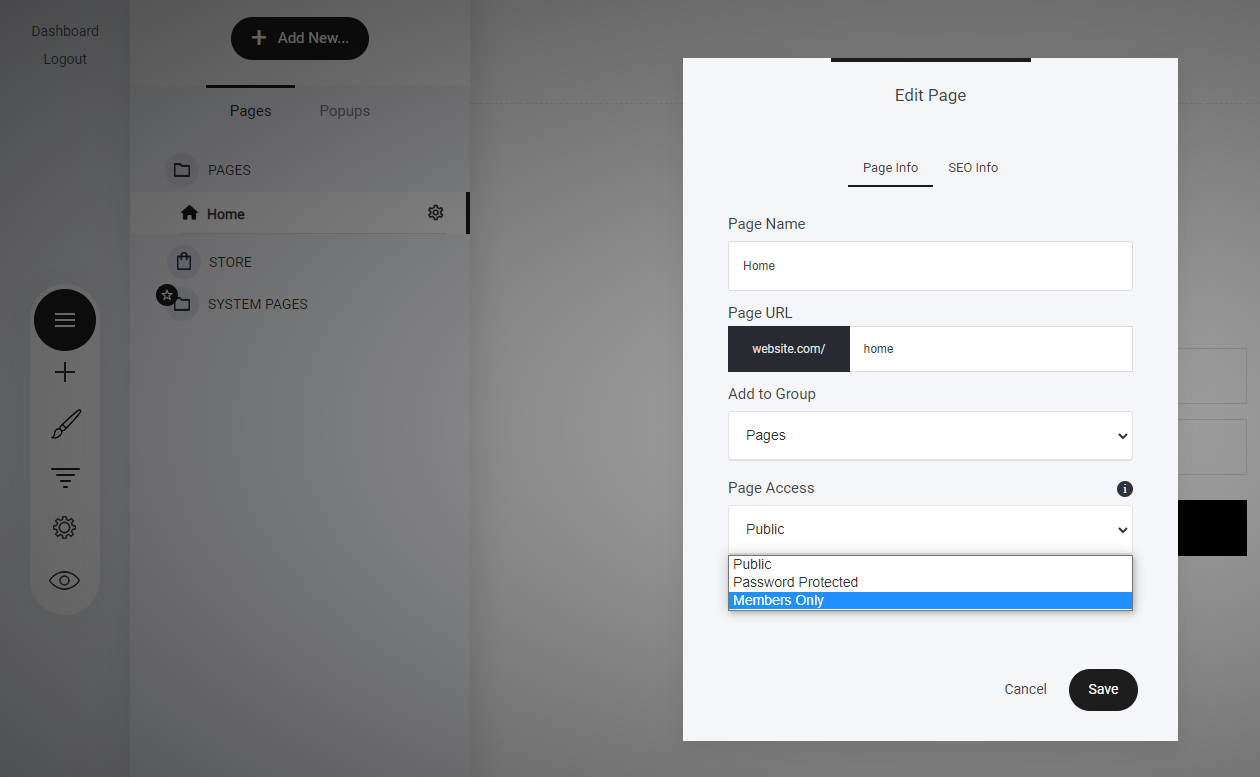
Select "Members Only" – Choose this option from the Page Access dropdown.
Click "Choose Member Groups" – Assign the groups that should have access.
Repeat for Funnel Steps – The same process applies to funnel steps to control user access efficiently.
A great way to protect premium content while maintaining structured membership accessibility!
Last updated