

Product categories
Last updated
Enhance product navigation and user experience by grouping items into custom categories.
Go to the Store Tab – Access your store dashboard.
Select "Products" – Open your product management section.
Click "Categories" – Create and organize product categories to streamline browsing.
This helps customers find items easily and improves store organization for better conversions!
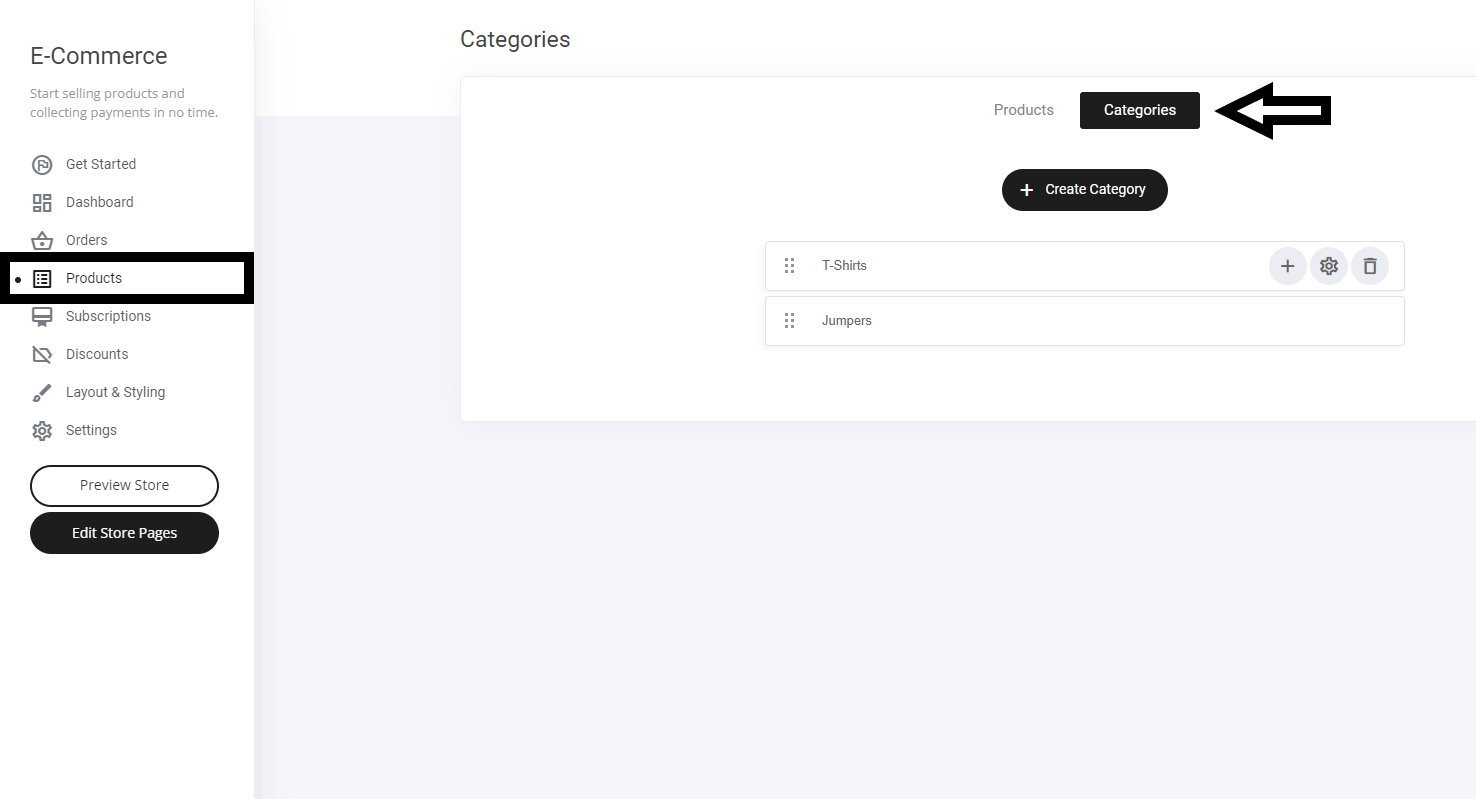
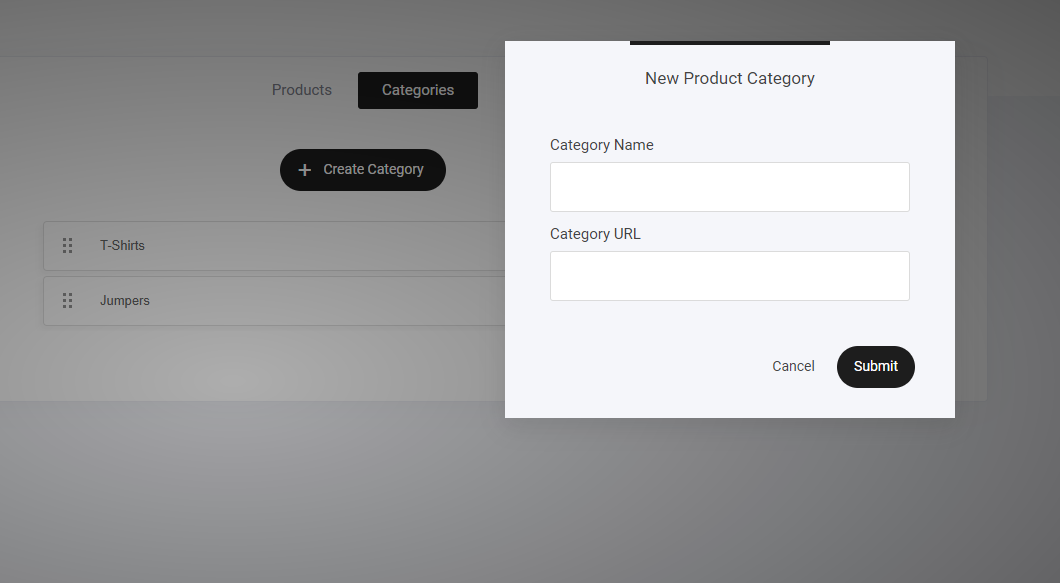
Select the + Create Category button as shown above. Name the category and select submit
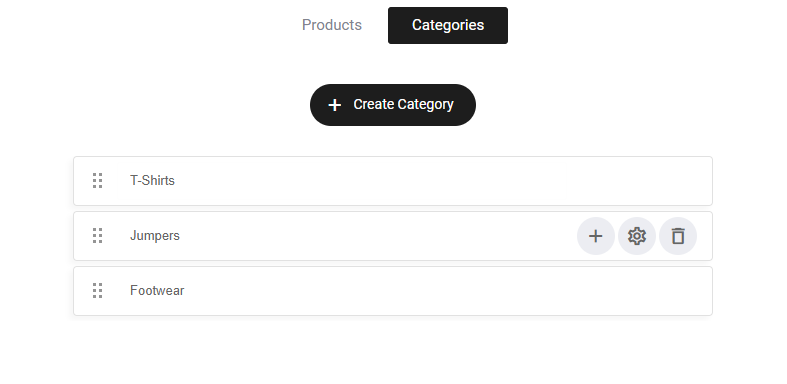
Your new category will be added to your existing category list. You can move the tab up and down to suit where you wish to display it
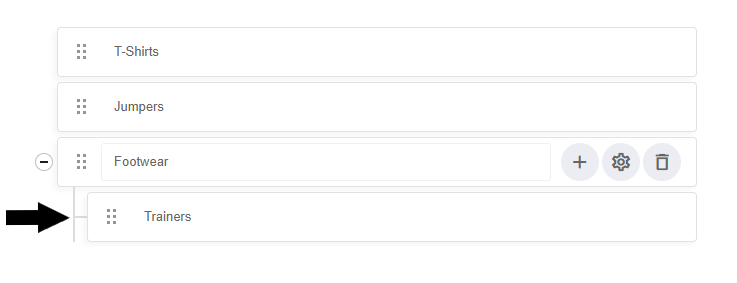
To add a sub-category to your main category, simply select the + icon as shown below
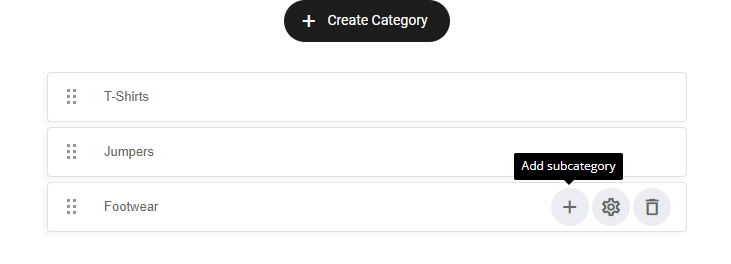
Name and label your new sub-category
Last updated