

Sales taxes
Ensure tax compliance effortlessly by configuring VAT, GST, or other taxes in your ecommerce setup.
Go to Store > Settings > Taxes – Access the tax configuration panel.
Click "Add Country" – Select the regions where tax rules need to apply.
Define Tax Rules by Country/State – Customize tax percentages based on location.
Automatic Tax Application – The order will adjust the total payment when tax criteria are met.
Enable Multiple Variations – Tailor rules to fit different business and regional requirements.
A streamlined solution for managing taxes seamlessly!
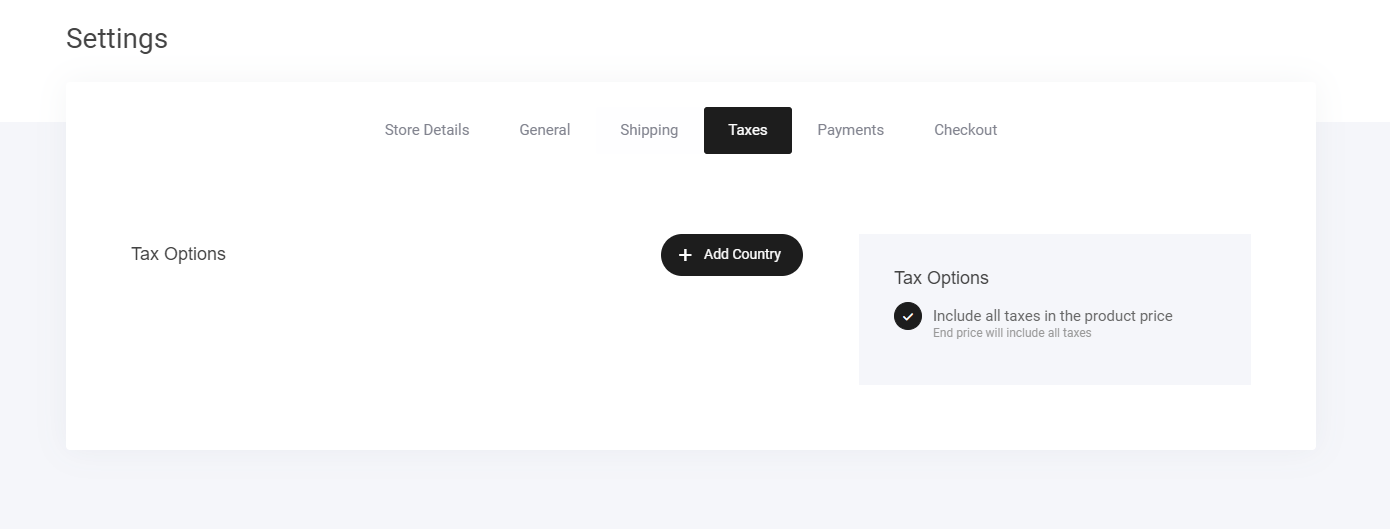
Similar to setting up your shipping options, taxes are configured pretty much the same way.
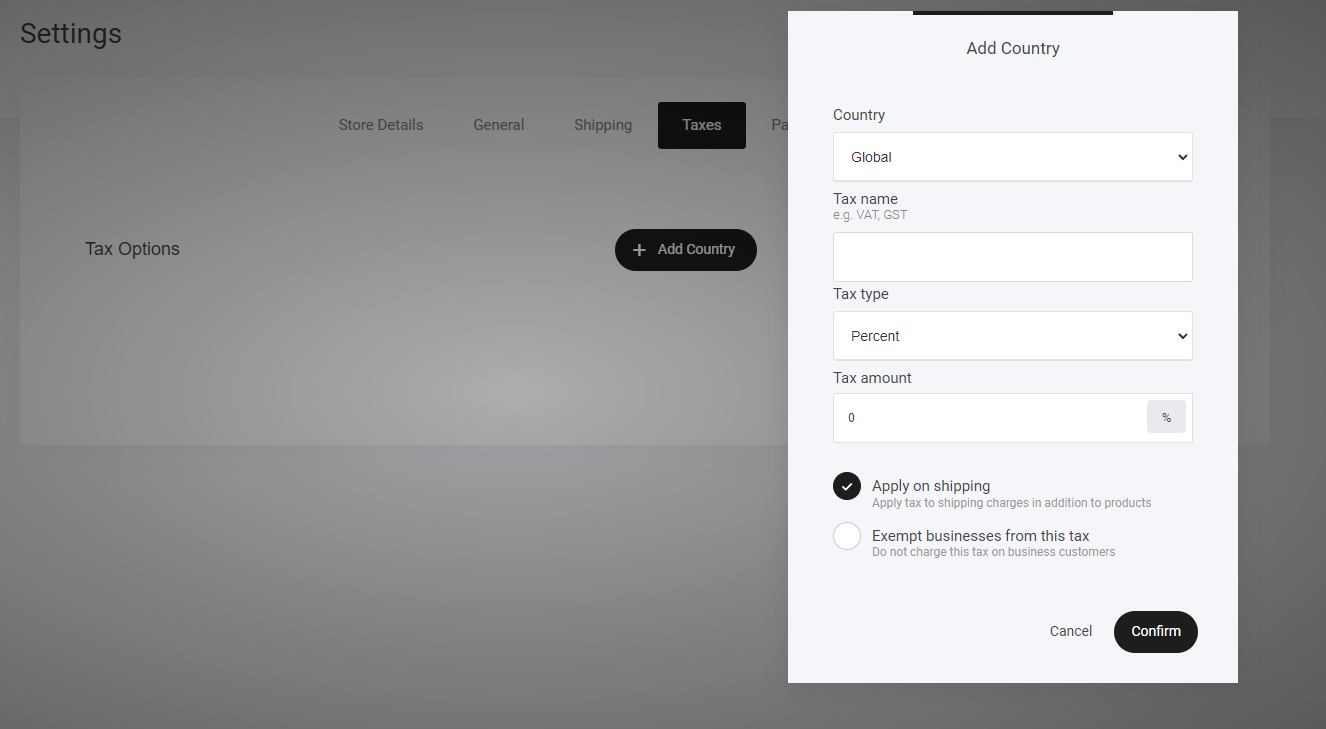
Set your Country
Tax name
Tax type
Tax amount
Last updated