

Shipping options
If you're selling physical store items, enabling custom shipping settings ensures smooth delivery management.
Go to the Shipping Tab – Access your shipping configurations from the main dashboard.
Adjust Personalized Shipping Options – Set rules based on price, weight, or location.
Apply Global or Local Rules – Define shipping policies for specific regions or worldwide.
A great way to keep logistics streamlined and customer experience optimized!
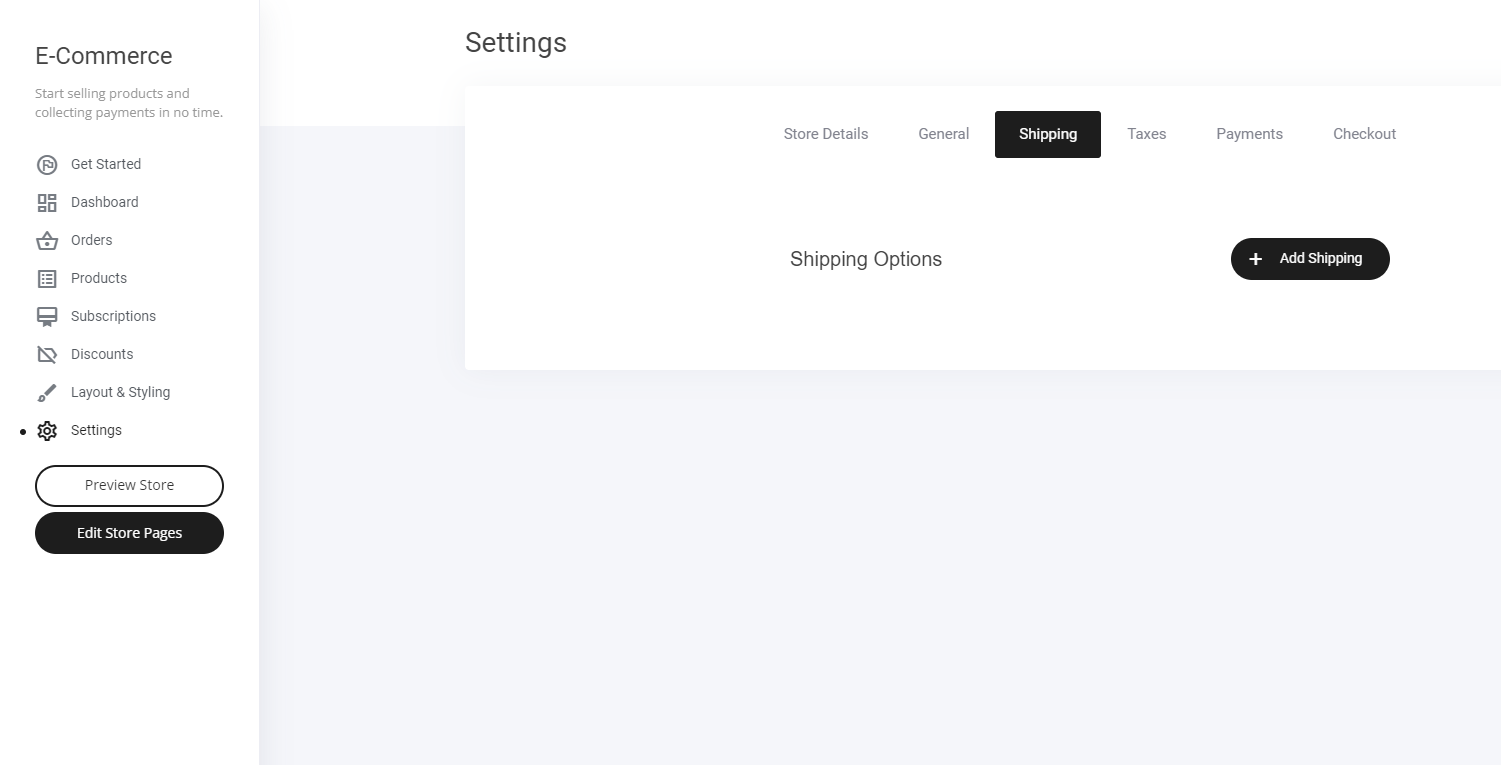
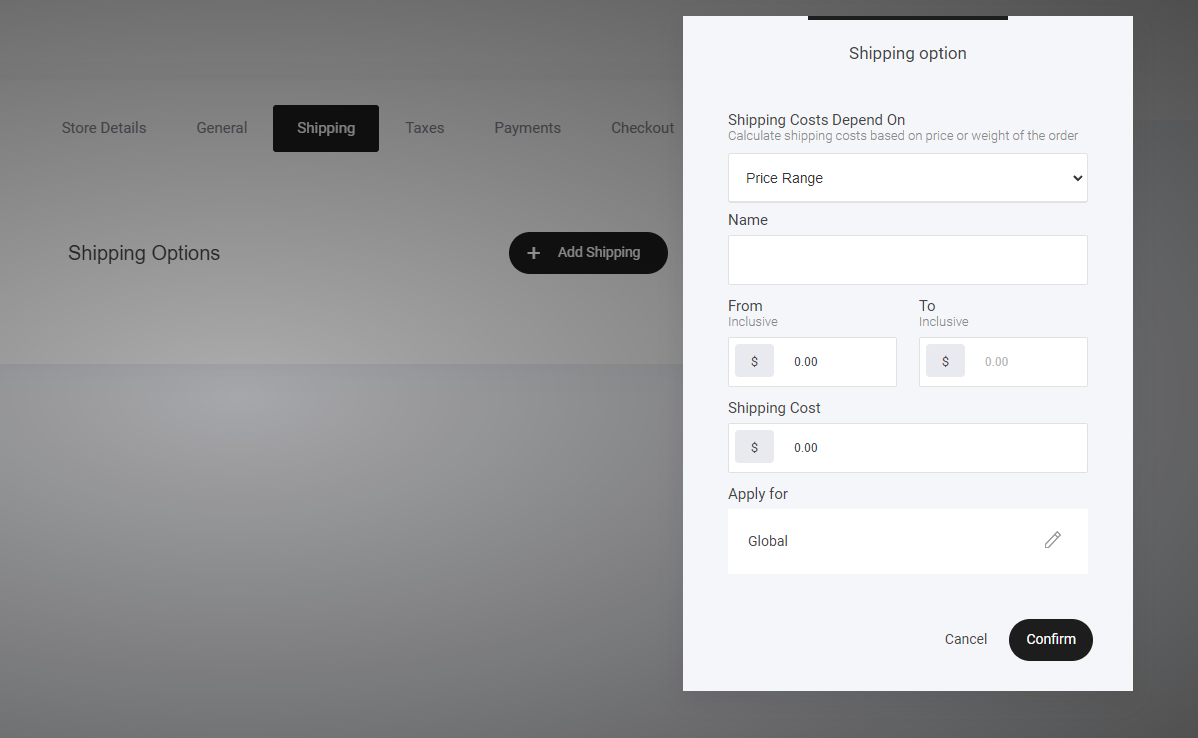
Now to set up your shipping option requirements:
Create shipping rules based on:
Price range
Weight range
Then set up which Countries you want to apply the specific shipping rules to.
Last updated